
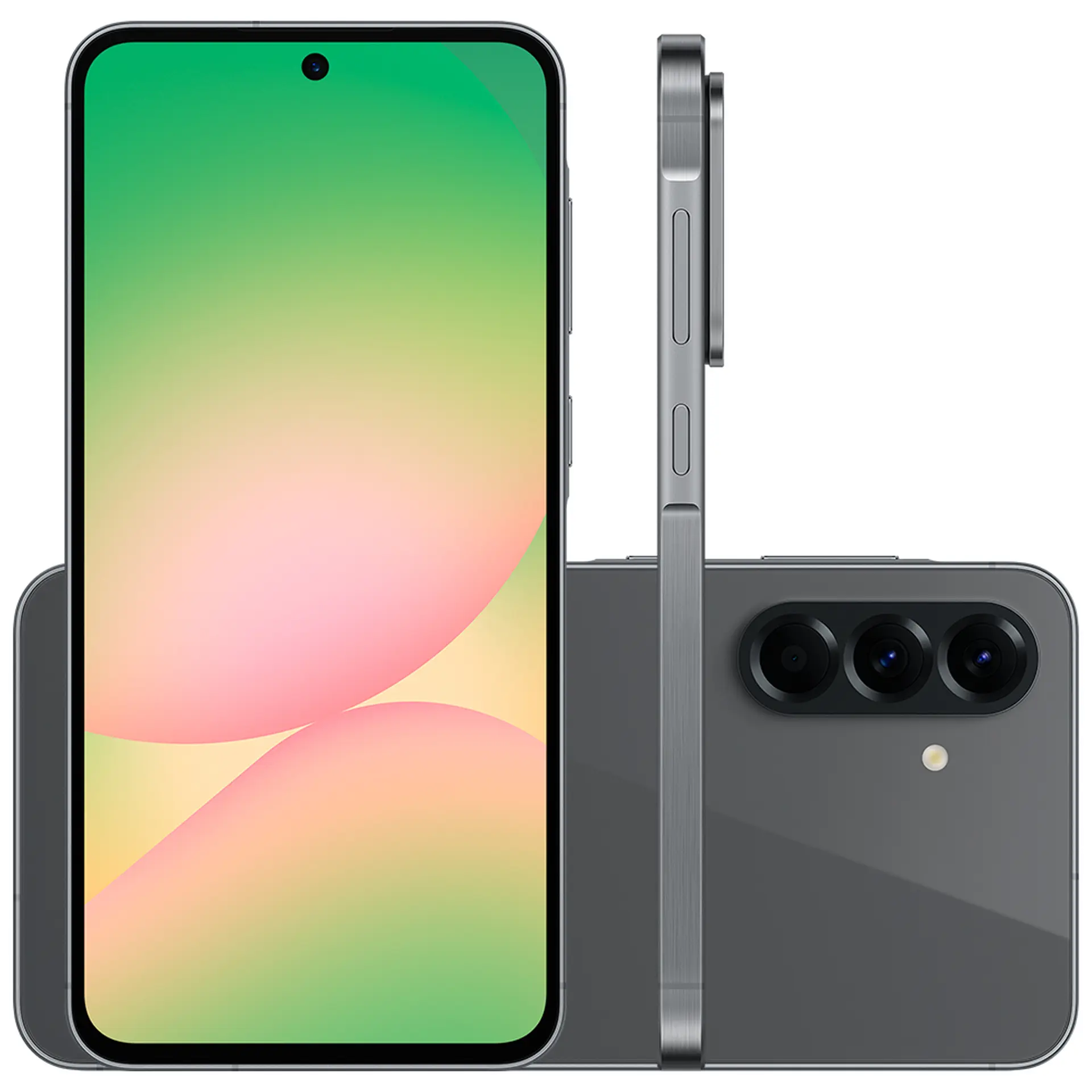
You can unlock a lot of hidden power in the Samsung Galaxy A56 by using advanced camera tools, customizing One UI with Good Lock, enabling performance boosters like RAM Plus and Game Booster, and tweaking battery settings such as Adaptive Battery. These features aren’t obvious at first but can dramatically improve your daily experience.
📸 Camera & AI Tricks
Auto Trim for Videos → Instantly shorten long clips into highlights.
Best Face for Group Shots → AI ensures everyone looks their best.
Object Eraser → Remove unwanted people or objects from photos.
Custom Filters → Create filters based on your favorite photos.
AI Select → Circle an object to turn it into a GIF, wallpaper, or even open maps if it’s an address.
🎨 Personalization & UI Enhancements
Good Lock App (Galaxy Store) → Unlock advanced customization:
Wonderland: Custom lock screen animations.
Keys Cafe: Personalized keyboards with effects and sounds.
Sound Assistant: Unique volume bar designs and audio tweaks.
Side Key Remapping → Program the power button to launch apps or shortcuts.
Split-Screen & Multi-Window Mode → Run two apps simultaneously for productivity.
⚡ Performance & Battery Boosts
Adaptive Battery → AI reduces background drain for rarely used apps.
RAM Plus → Converts storage into virtual RAM for smoother multitasking.
Game Booster → Blocks notifications, optimizes touch response, and saves battery during gaming.
Priority Mode → Focused gaming with zero distractions.
🔒 Productivity & Hidden Benefits
Always-On Display Scheduling → See time and notifications without unlocking.
Lock Screen Widgets → Quick access to tools like music, weather, or calendar.
Notification Bar Split → Separate alerts from quick settings for faster control.
Image Remastering → AI enhances old or low-quality photos directly in the gallery.
⚠️ Risks & Limitations
Battery Drain → Over-customization (animations, widgets) can reduce battery life.
Storage Use → RAM Plus consumes storage space; balance carefully.
Learning Curve → Good Lock modules are powerful but may feel overwhelming at first.
✅ Recommendation: Start with Adaptive Battery + RAM Plus for smoother performance, then explore Good Lock for personalization. Use AI camera tools like Object Eraser and Best Face to elevate your content creation.
👉 Do you want me to create a step-by-step setup guide (with exact menu paths) so you can activate these hidden features quickly on your A56?