
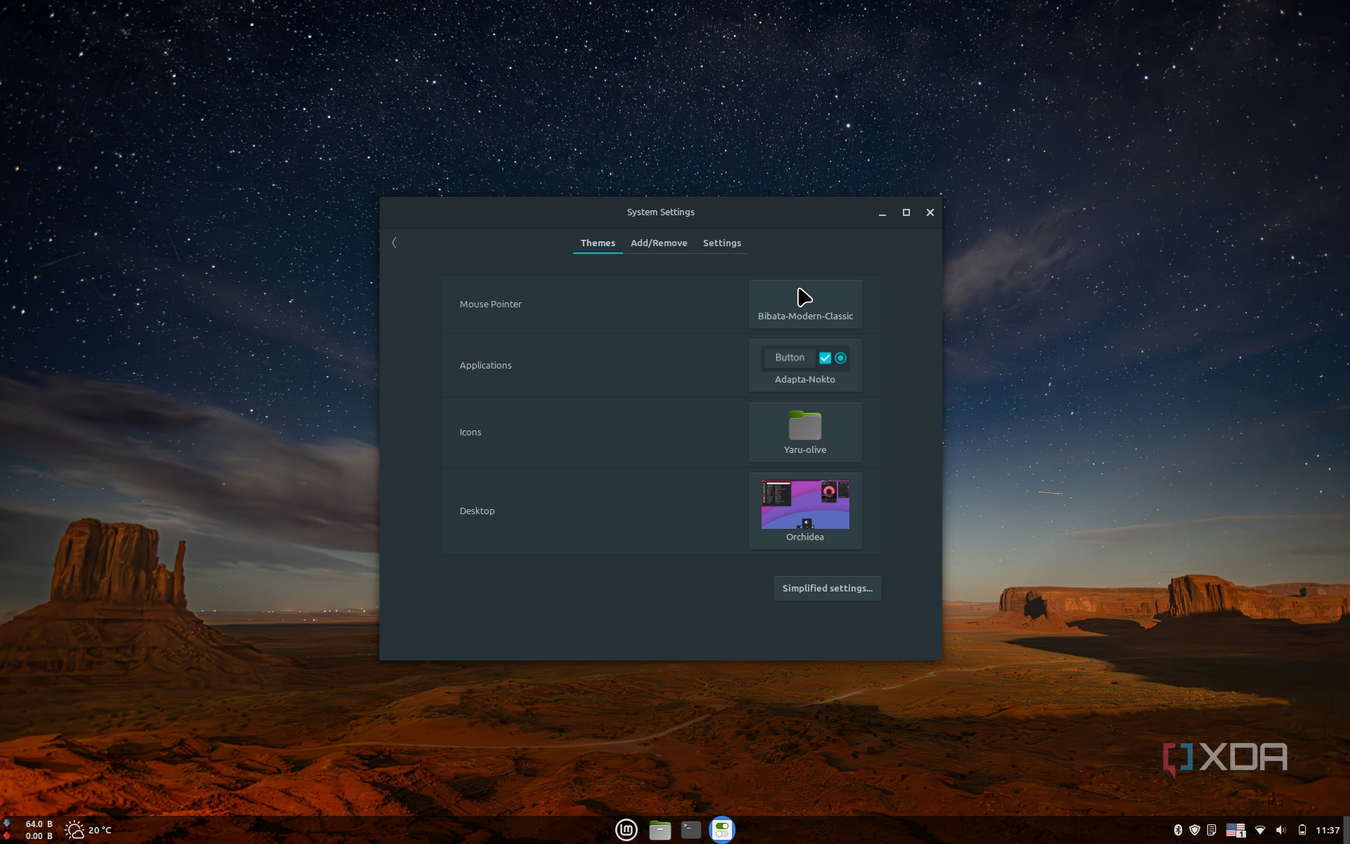
Learning Linux is one of the most valuable skills in tech today because it powers most of the internet, cloud platforms, and even your Android phone. You should learn it to boost career opportunities, understand computing fundamentals, and gain access to a free, open-source ecosystem. The best way to learn is through structured, hands-on practice with commands, projects, and real-world scenarios.
🚀 Why You Should Learn Linux
Dominates global infrastructure: Linux runs 96% of the world’s top web servers, all major cloud platforms (AWS, Azure, GCP), and all 500 fastest supercomputers.
Career advantage: Employers in DevOps, cloud engineering, cybersecurity, and backend development prioritize Linux skills. Certified professionals often earn higher salaries than Windows-only admins.
Deep technical understanding: Teaches how computers really work — file systems, processes, permissions, networking — making other technologies easier to master.
Security & reliability: Linux is known for strong security, stability, and resistance to malware.
Free & open-source: No licensing costs; everything from distros to documentation is freely available.
Flexibility: Runs on servers, desktops, embedded systems, and mobile devices.
📚 How to Learn Linux (Step-by-Step)
Here’s a structured roadmap combining theory and practice:
1. Foundations (Days 1–30)
Install a beginner-friendly distro like Ubuntu or Fedora (dual boot or virtual machine).
Learn basic commands: navigating directories, managing files, using
ls,cd,cp,mv,rm.Explore the file system structure (
/home,/etc,/var,/usr).Practice with text editors like Nano (easy) or Vim (powerful).
2. Intermediate Skills (Days 31–60)
Master users, permissions, and groups (
chmod,chown).Learn system services with
systemd, schedule tasks withcron.Start bash scripting for automation.
Understand package management (
apt,dnf,yum).
3. Applied Projects (Days 61–90)
Deploy a LAMP stack (Linux, Apache, MySQL, PHP).
Automate backups and harden server security.
Build a portfolio of real Linux projects (e.g., hosting a website, setting up a firewall).
📊 Comparison: Linux Learning Paths
| Path | Best For | Example Tools | Timeframe |
|---|---|---|---|
| 30-Day Guide | Beginners | Basic commands, file system, networking | 1 month |
| 90-Day Roadmap | Career-focused learners | Projects, scripting, server deployment | 3 months |
| Self-paced | Casual users | Experimenting with distros, community forums | Flexible |
⚠️ Challenges & Tips
Steep learning curve: The command line can feel intimidating. Start small and practice daily.
Too many distros: Stick to Ubuntu or Fedora at first; don’t get lost in distro-hopping.
Consistency matters: Continuous practice is key — set aside 30–60 minutes daily.
Use community support: Linux forums, Stack Overflow, and GitHub are invaluable.
👉 If you’re in Egypt, you can easily download Ubuntu or Fedora from their official sites and run them in a VirtualBox VM to start experimenting safely. Would you like me to create a beginner-friendly 30-day Linux learning plan tailored for absolute beginners, or a career-focused 90-day roadmap?