
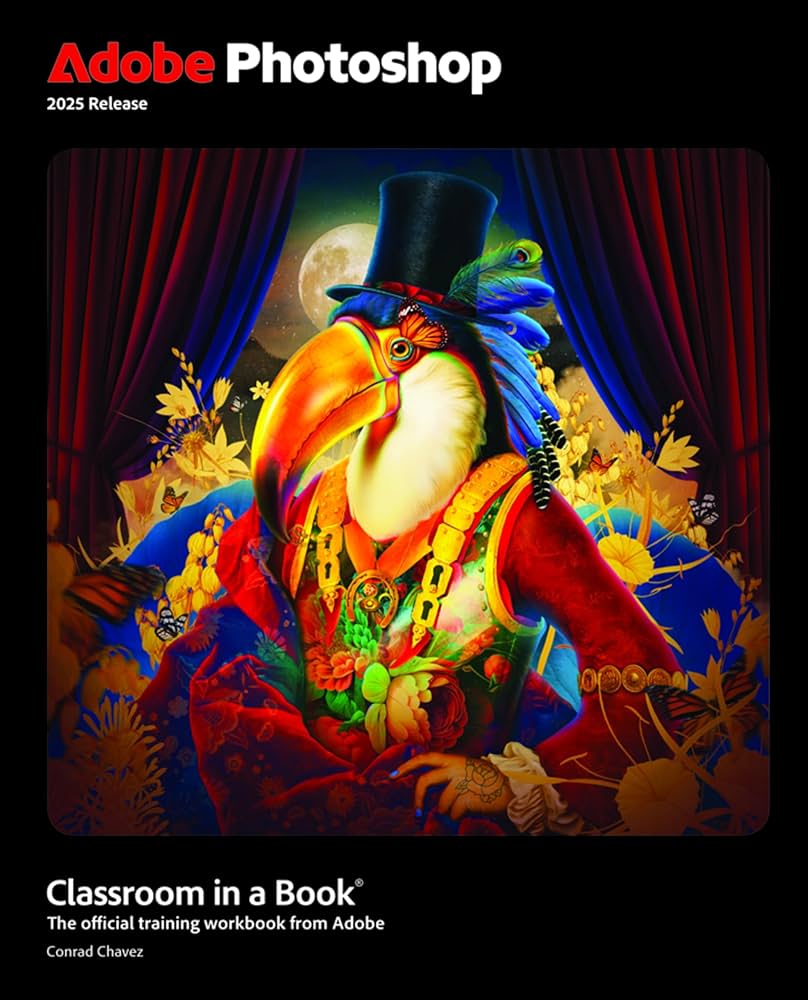
Yes, it’s still a very good idea to learn Photoshop—even with the rise of AI tools—because Photoshop offers precise, professional control that AI alone cannot match. The strongest approach today is a hybrid workflow: use AI for fast generation or repetitive edits, then refine and finalize in Photoshop for accuracy, print readiness, and creative control.
🔑 Why Photoshop Still Matters
Pixel-Level Precision: Photoshop lets you control every detail—layers, masks, curves, typography—something AI tools cannot guarantee.
Professional Standards: For photography, advertising, and print, Photoshop supports CMYK, bleed margins, and industry formats.
Creative Freedom: Unlike AI’s “best guess,” Photoshop gives deterministic control over colors, shadows, and compositions.
Hybrid Workflow: Many professionals now generate concepts with AI, then polish them in Photoshop.
⚡ Where AI Excels
Speed: AI can remove backgrounds, retouch skin, or generate new concepts in seconds.
Accessibility: No design skills required—anyone can describe a prompt and get usable images.
Exploration: AI is great for brainstorming multiple variations quickly.
📊 Comparison Table
| Task/Feature | AI Tools (Firefly, Canva, Luminar) | Photoshop |
|---|---|---|
| Create from text | Yes (fast, easy) | Limited (Generative Fill) |
| Precise editing | No | Yes (pixel-level) |
| Photo retouching | Basic, often overprocessed | Industry standard |
| Print production | Not supported (RGB only) | Full CMYK, bleed, spot colors |
| Batch processing | Limited | Advanced (Actions, scripting) |
| Skill requirement | None | Moderate to expert |
| Best use case | Quick social media, concept art | Professional design, photography, publishing |
🚨 Risks & Trade-Offs
AI Limitations: Results can look unrealistic (skin texture, hair details, shadows).
Consistency Issues: AI outputs vary between runs; Photoshop is deterministic.
Professional Acceptance: Agencies, publishers, and clients still expect Photoshop files.
✅ Recommendation for You
If your goal is creative photo editing for birthdays, tributes, and elegant designs (as you’ve practiced before), Photoshop is worth learning because it ensures polished, professional results.
Use AI tools for fast idea generation (e.g., layouts, backgrounds), then refine in Photoshop for precision and presentation quality.
Think of AI as a shortcut and Photoshop as the final authority.
👉 Bottom line: Learning Photoshop remains a smart investment. AI tools are powerful assistants, but Photoshop is still the backbone of professional editing. The winning strategy is combining both—AI for speed, Photoshop for mastery.
Would you like me to outline a step-by-step learning path (starting with basics, then blending AI workflows) so you can build skills efficiently without wasting time?